




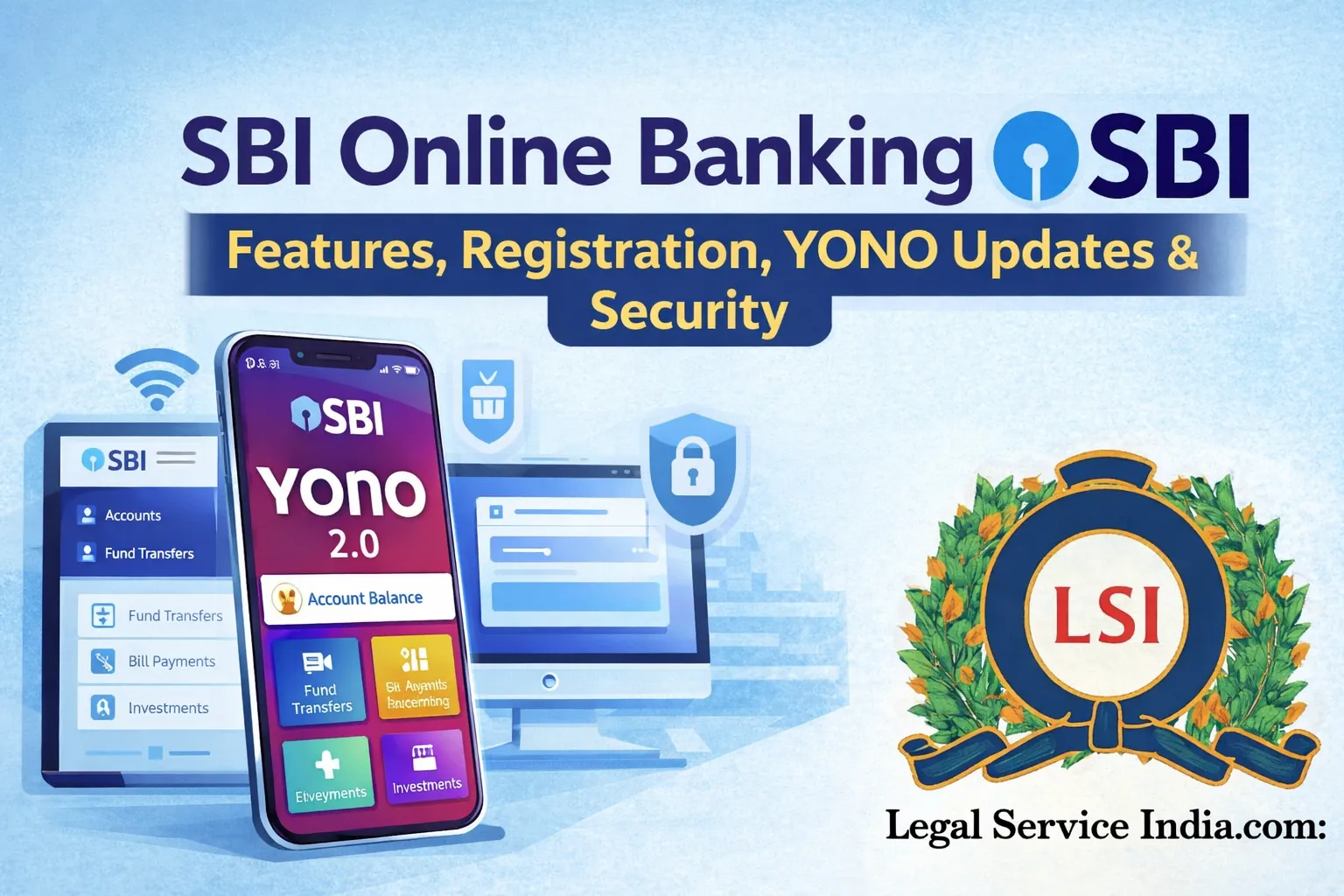
Introduction To SBI Online Banking (2026)
State Bank of India offers robust digital banking services that let you manage your account, transfer funds, pay bills, open accounts, invest, and more all online through:
- Internet Banking (OnlineSBI)
- YONO / YONO 2.0 mobile app
These platforms are designed to give 24×7 access to your accounts without visiting branches.
Platforms & Access
OnlineSBI (Internet Banking)
- Accessible via the web: https://onlinesbi.sbi
- Works from any browser on desktop or mobile.
- Requires User ID + Password + OTP for secure login.
YONO & YONO 2.0 (Mobile App)
- Latest major app update launched in December 2025 / early 2026.
- Combines traditional internet banking and mobile banking in one interface.
- Enhanced features like multilingual support, biometric login, and offline cache.
Key Features (2026 Updates)
Core Banking Services
- Check account balance & statements
- Fund transfers (NEFT, RTGS, IMPS)
- Bill payments & recharge
- Standing instructions and scheduled payments
- Apply for fixed deposits / recurring deposits
- Open new accounts online
- Manage debit/credit cards
- View tax & investment details
Enhanced Digital Tools
- AI-based insights for spending & budgets
- Personalized dashboards
- Faster navigation and search
- Offline cached access for slow networks
- Custom transaction alerts & reminders
Security Enhancements
- OTP + Biometrics authentication
- Device binding (register trusted devices)
- Session timeout & logout policies
- Behavioral analytics for fraud detection
- Zero-OTP modes with biometric/Mpin combinations when possible
Latest 2025–26 Changes Impacting Online Banking
YONO 2.0 Major Update (late 2025)
- Full UI redesign for a unified experience across devices.
- Simplified login process & improved performance.
- More personalized analytics and security tools.
- Focus on onboarding new users via digital channels.
Transaction Fee Change
- Starting 15 February 2026, SBI began charging IMPS fees for transfers above ₹25,000 online (via digital banking).
- Smaller IMPS transactions remain free.
Online Claims & Services
- SBI now allows online claim settlement for deceased depositors, reducing branch visits for heirs.
Security & Fraud Awareness
Fraud Risk Trends
Despite strong security, digital platforms see fraud attempts. SBI has reported many cyber fraud incidents including online banking scams. This highlights the importance of vigilance:
- Never share OTP / net banking password
- Use official SBI sites/apps only
- Change passwords regularly
- Enable biometric login where available
How To Register & Login
Internet Banking
- Visit https://onlinesbi.sbi
- Click New User? Register
- Enter your account number + registered mobile number
- Follow OTP verification to activate
- Set a User ID, Password + Profile Password
YONO (Mobile App)
- Download the app from Play Store / App Store
- Link your account using your Customer Info File (CIF), debit card details, or internet banking credentials
- Set MPIN / biometrics for login
Popular Transactions & Actions
| Feature | Description |
|---|---|
| Balance & Statement | View your balances and download statements |
| Fund Transfers | NEFT, RTGS, IMPS available 24×7 |
| Bill Payments | Pay electricity, water, credit cards, insurance |
| Investments | FD/RD opening, mutual funds |
| Loan Applications | Apply & manage loans online |
| Card Services | Block/unblock, pin change, view card spends |
Tips For Smooth Online Banking
- Always ensure your mobile number is registered & updated
- Do not use public/public Wi-Fi for banking
- Set strong passwords + change regularly
- Keep your smartphone and app updated
- Enable notifications & alerts for all transactions